Workshop Details:
This hands-on workshop spans 5 consecutive days with 4.5 hours of synchronous teaching time. The workshop is designed for beginners without any programming experience. All sessions will be held online over Zoom.
Morning sessions: 9:30 AM - 12 PM EST
Afternoon sessions: 1:00 PM - 3:00 PM EST
Description:
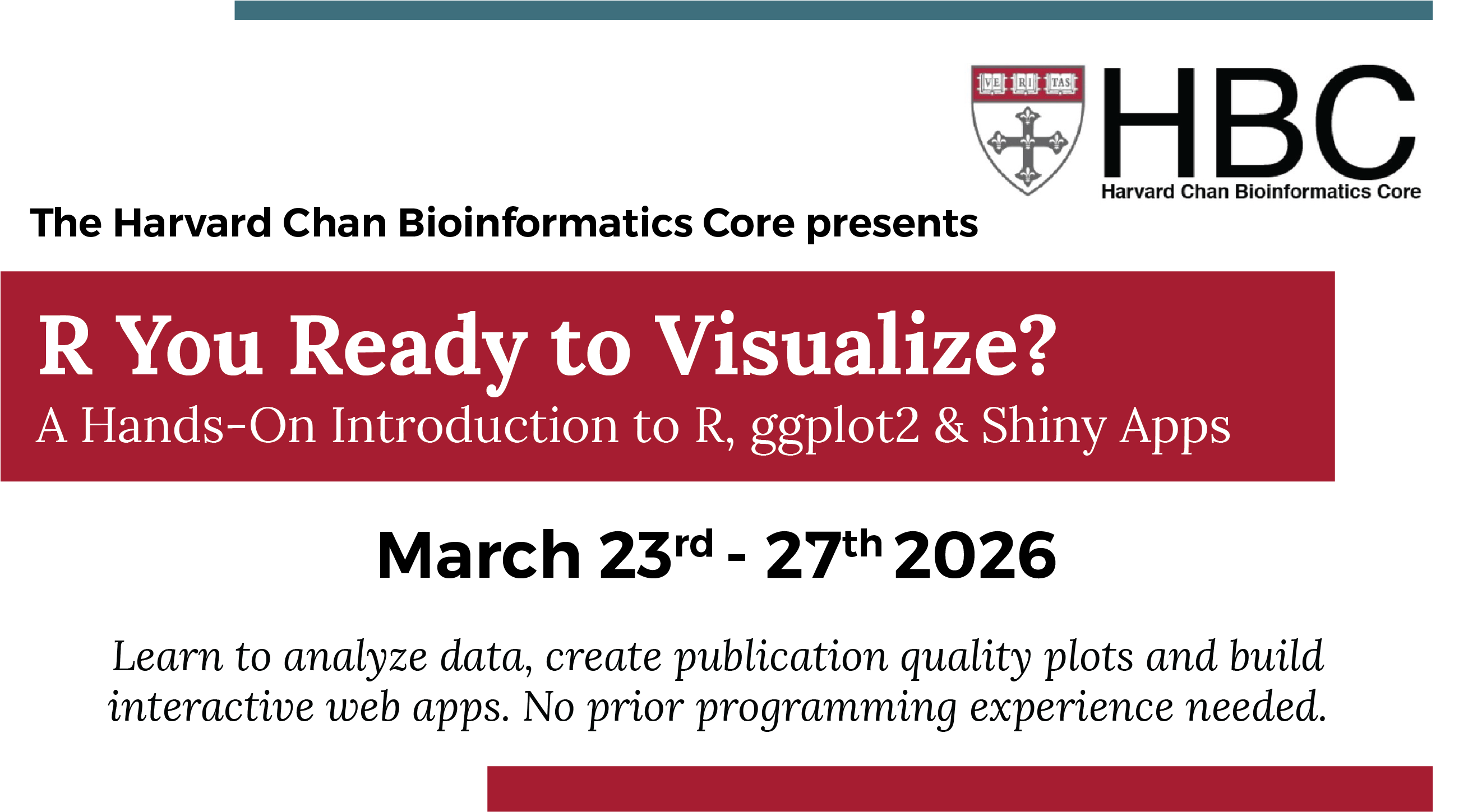
This bootcamp will provide an introduction to R, ggplot2 and Shiny apps. In this bootcamp, you will:
- Work with data in R: syntax, importing and data wrangling
- Plot figures using ggplot2
- Build a custom multipanel figure from real-world datasets
- Design an interactive app for data exploration with Shiny
- Customize app layouts for a clean, intuitive user experience
Throughout the workshop, we will emphasize strong practices for data management and reproducibility, while also providing practical exercises for participants to apply the skills they are learning. It requires no prior programming experience.
Who should attend?
Any interested individuals who are interested in learning to use R to create intuitive, publication-grade figures and interactive apps for data exploration.
We encourage academic and industry researchers to apply to this bootcamp.
Registration:
To register for the bootcamp please click on the link below. If you are one of the first 25 registrants, you will receive an email within one week with a link to pay the registration fee.
Cost:
There is a non-refundable and non-transferable registration fee for this workshop. The registration fee options are outlined below.
Early Bird Pricing available until February 20th!
| Rate Category | Early Bird | Regular Rate |
|---|---|---|
| Harvard Academic | $860 USD | $960 USD |
| External Academic | $1125 USD | $1250 USD |
| Industry | $1575 USD | $1750 USD |
Due to limited space the workshop can accommodate maximum of 25 participants. Seats are assigned on a first come, first serve basis.
Workshop Outline:
Day 1:
- R syntax: Understanding the different ‘parts of speech’ in R; introducing variables and functions, demonstrating how functions work and modifying arguments for specific use cases.
- Data structures in R: Getting a handle on the classes of data structures and the types of data used by R. Reading data into R and using functions to inspect it.
Day 2:
- Data inspection and wrangling: Using indices and various functions to subset and create datasets
- Tidyverse: Implementing features available within the Tidyverse suite of tools for data analysis
Day 3:
- Visualizing data: Visualizing data using plotting functions from the external package ggplot2.
- Exporting data and graphics: Generating data tables and plots for use outside of the R environment.
- Customizing vizualizations: Tweaking visualizations with custom text and color palettes
Day 4:
- Multipanel figures: Merge figures together to create a multipanel figure
- Shiny app syntax: Introduction to the structure and syntax used within a Shiny app
- App inputs and visualizations: Review of the possible input widgets and implementation of data visualizations within apps
Day 5:
- Data upload and download within apps: Creating an app interface that allows users to upload and download their data into an app
- Hosting options: Discussion of the various hosting options for Shiny apps
- User interface design: Options for modifying an app’s user interface to be more attractive and intuitive for users
Questions?
Please email us at hbctraining@hsph.harvard.edu with any questions.